
Crux
Shopify theme by Weblorium · Version 1.0.0
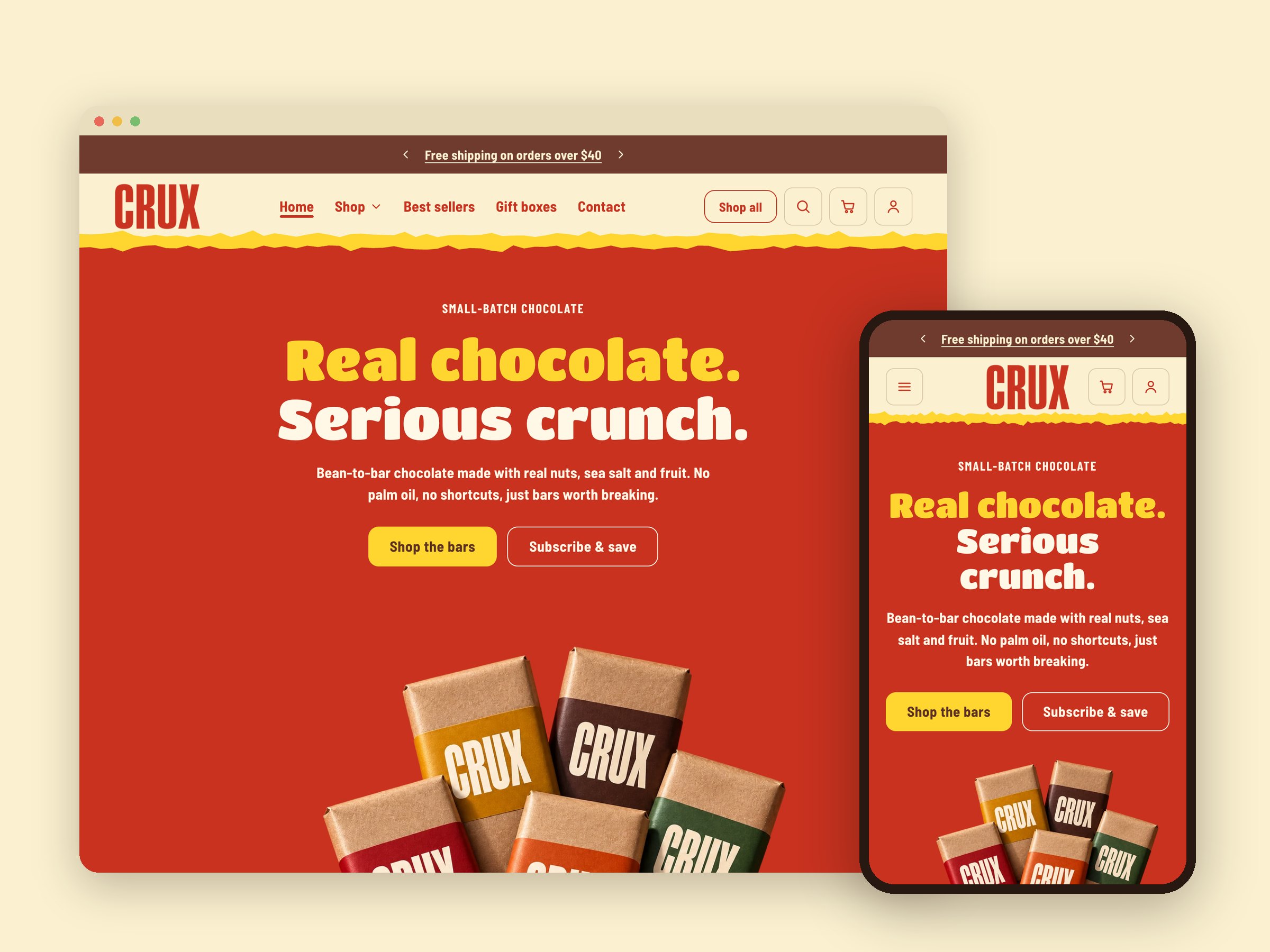
A bold, playful theme for food and wellness brands.
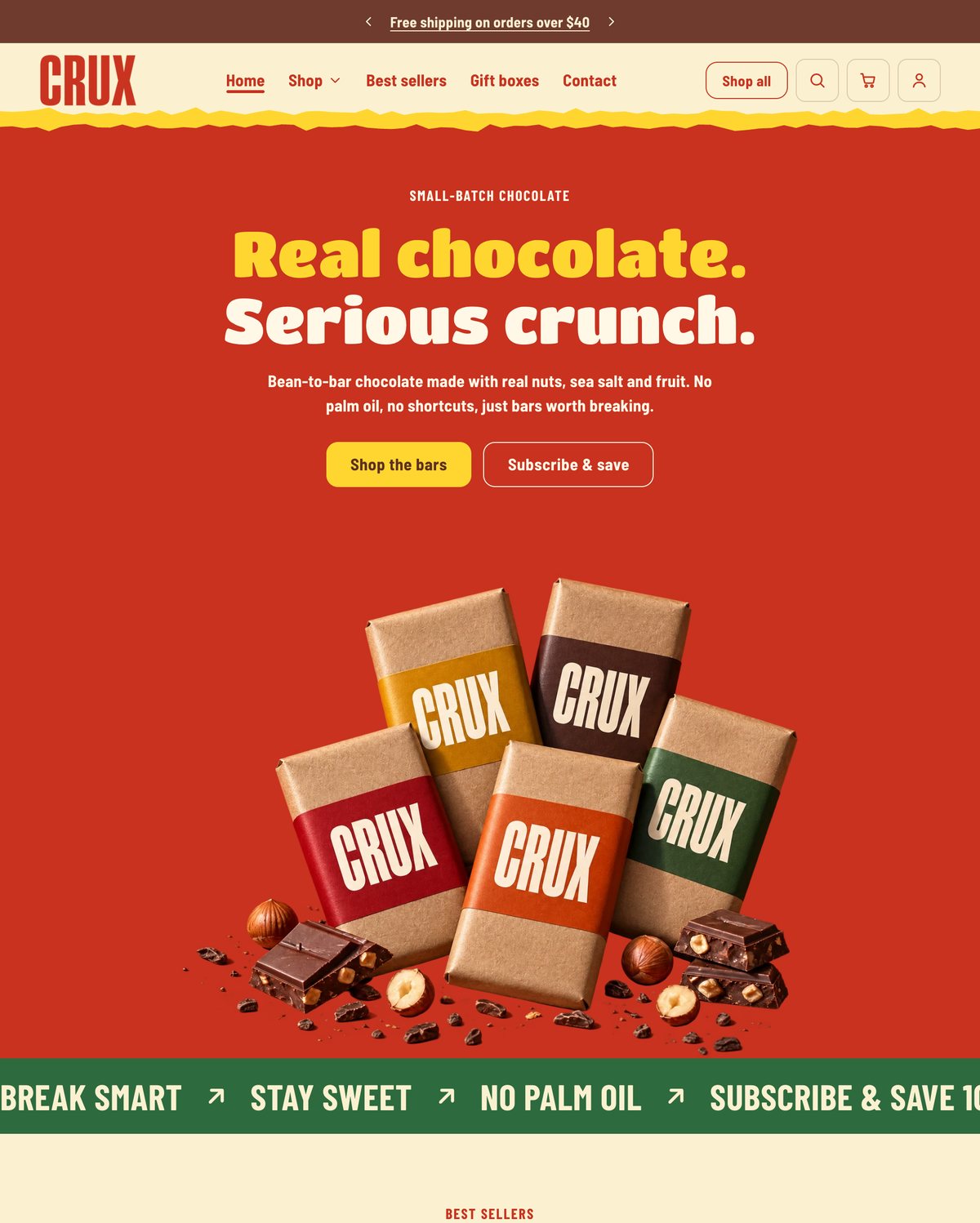
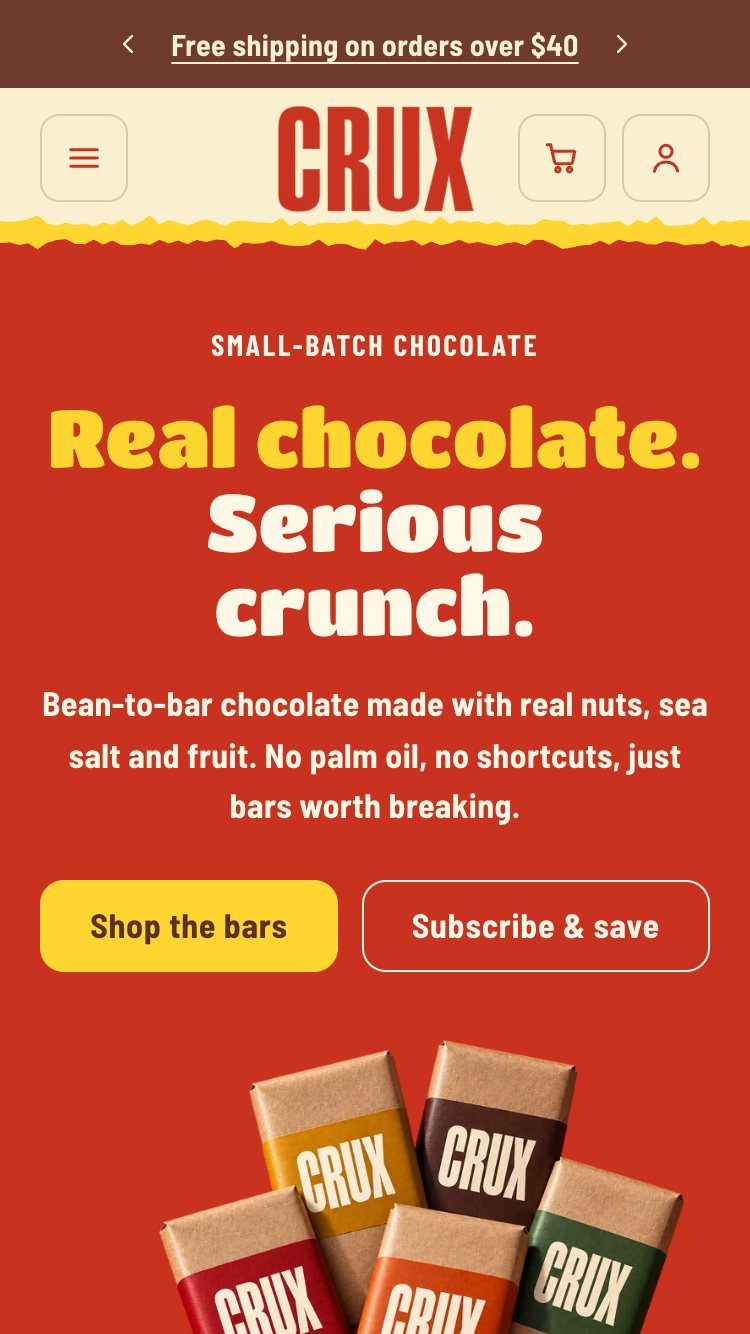
Crux gives food, snack and wellness brands a storefront with personality: brush-stroke edges, wavy dividers, bold type and five color schemes. It is made for brands that sell the same favorites again and again, with a subscription-first purchase block, a build-your-own-box section, nutrition facts, ingredient callouts and a comparison table, all editable in the theme editor without code. Crux is sold directly by Weblorium: one licence for one store, with updates by email.
Demo store password: mudeig
What's inside
Built for subscriptions
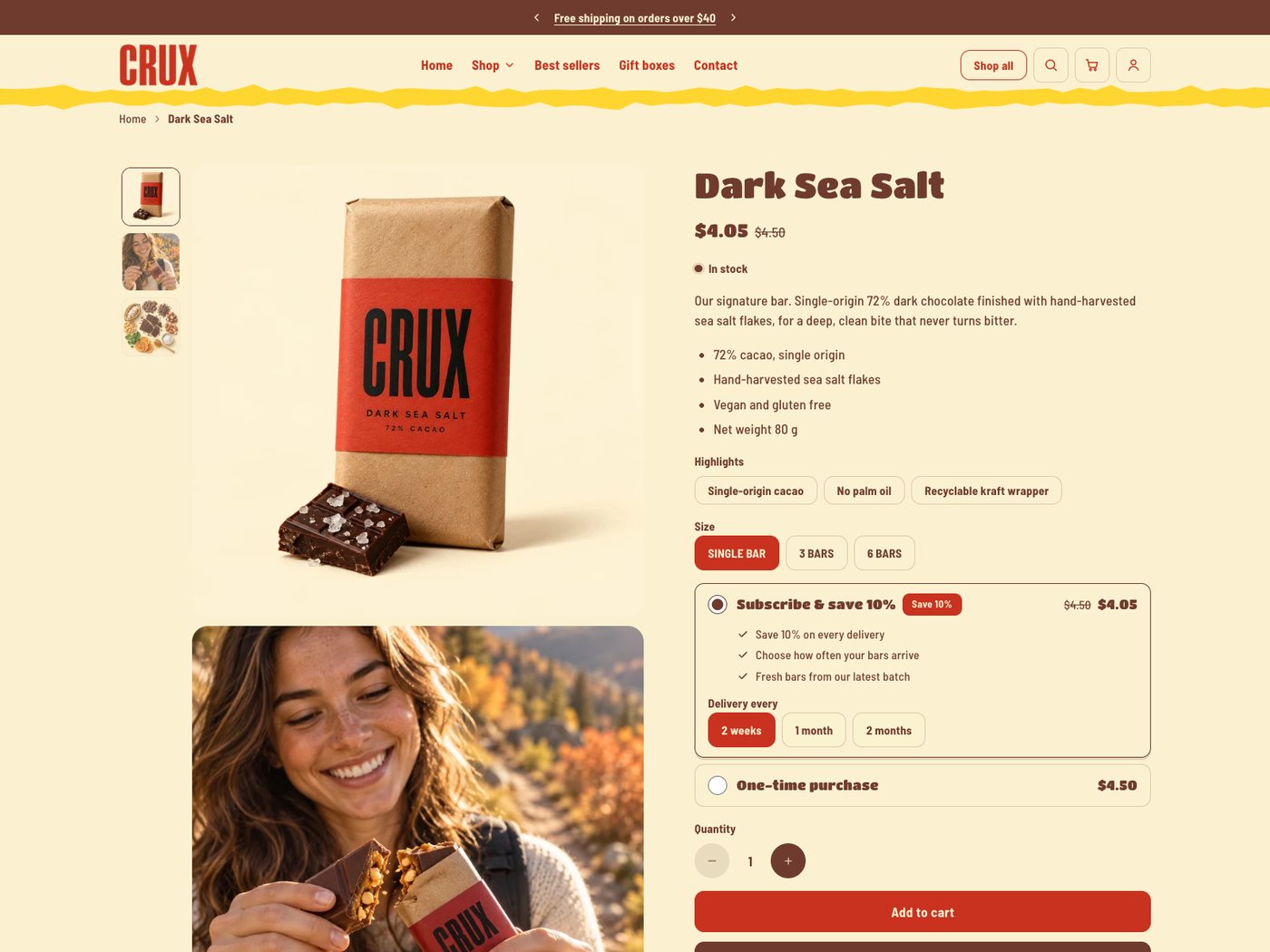
Real savings badges, frequency buttons and an optional subscription-first layout for every product.
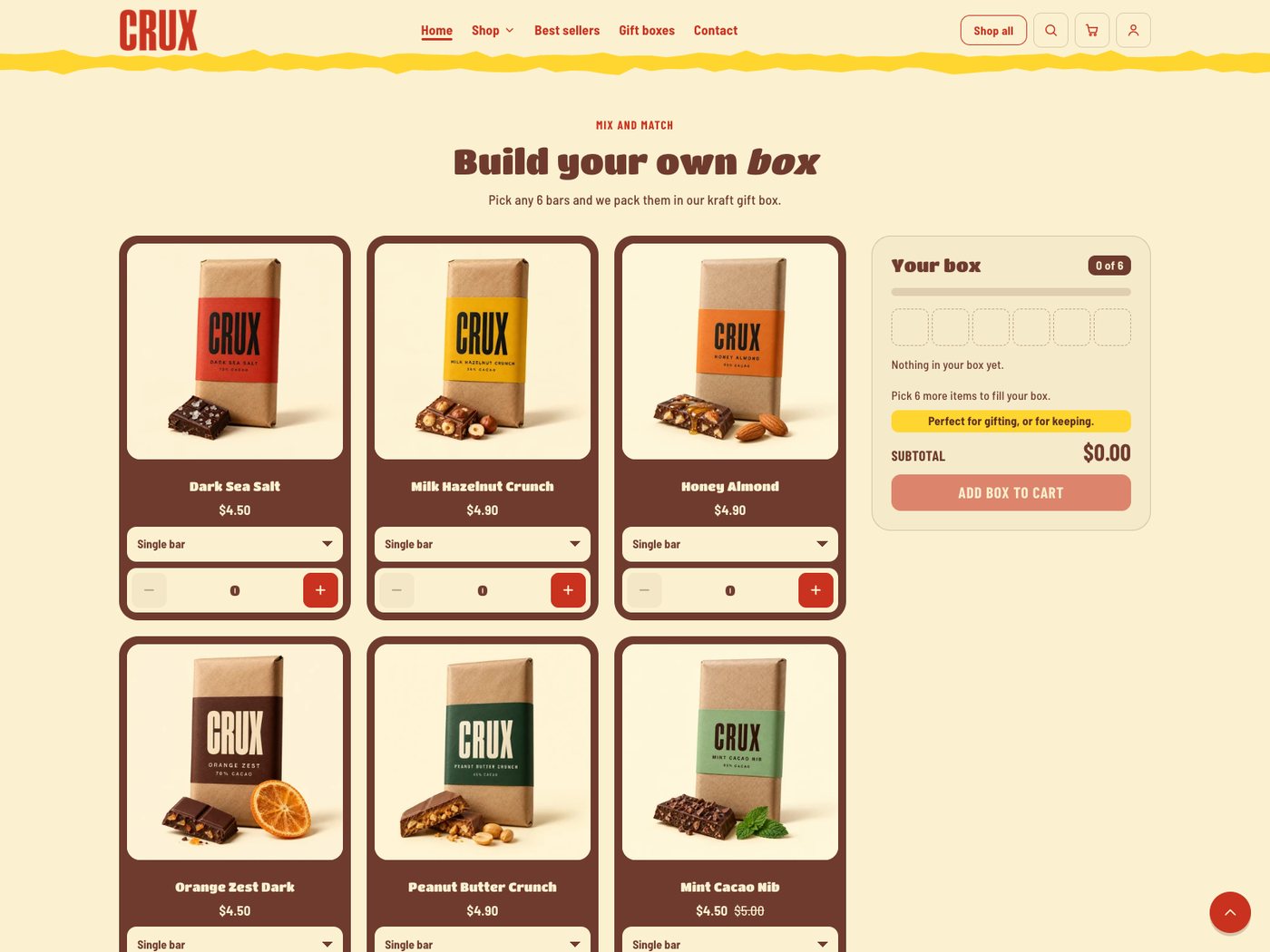
Build your own box
Shoppers fill a box from any collection and add every item to the cart in one click.
Nutrition facts
A label-style nutrition table that reads each product's own metafields.
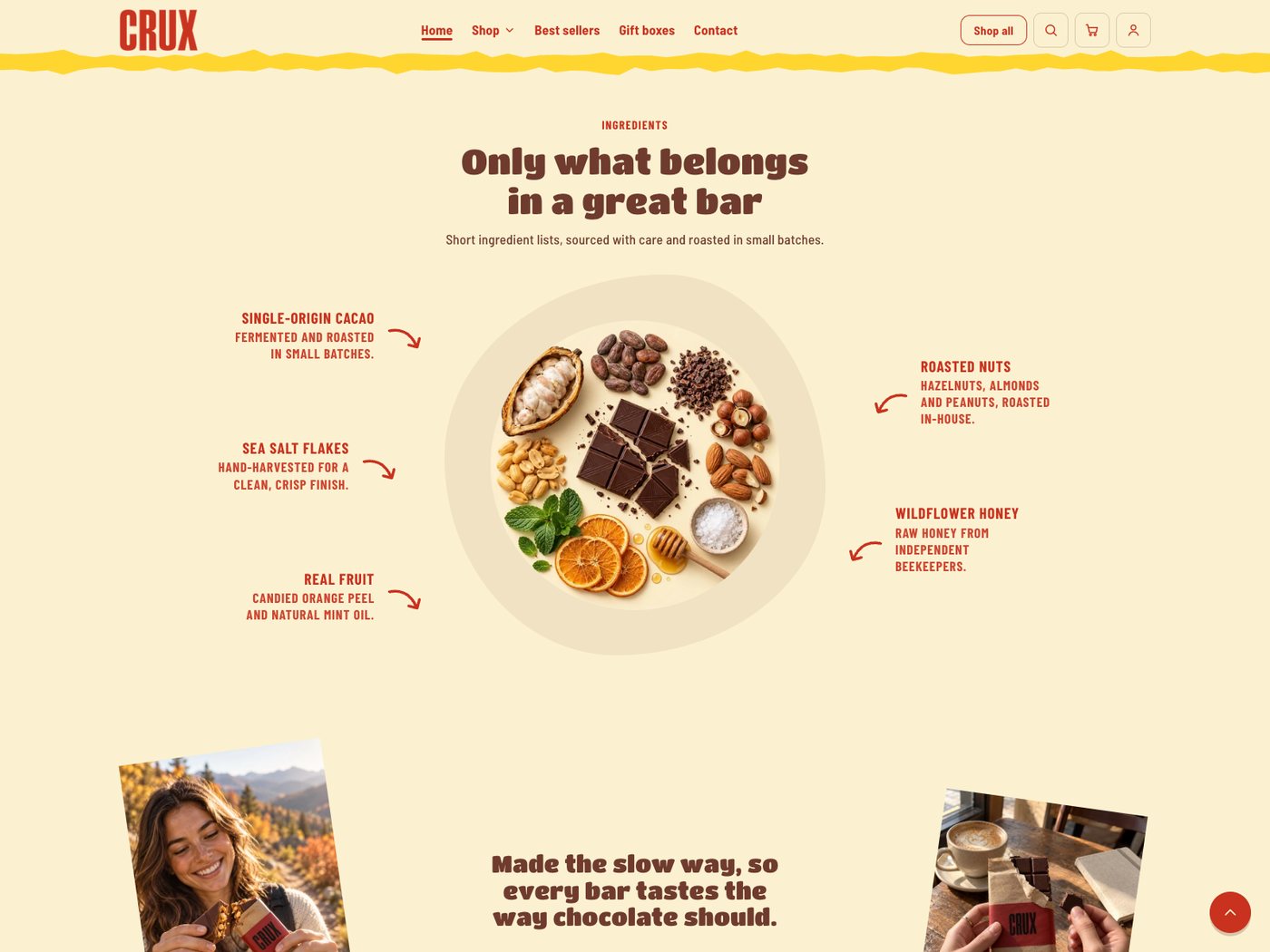
Ingredient callouts and comparison
Hand-drawn arrows around your product and a table that puts it next to the alternatives.
Free shipping progress
The cart drawer shows how much more to spend, converted for every currency.
Quick view, mega menu and sticky cart
Browse, compare and add to cart without leaving the page.
Screenshots
Details
- Version
- 1.0.0
- Author
- Weblorium
- Price
- $231, one licence
- Licence
- One store
- Updates
- By email
- Delivery
- ZIP by email
- Sections
- 31
- Color schemes
- 5
- Languages
- English, German, Spanish, French, Italian
- Built on
- Shopify Skeleton theme
Sold directly by Weblorium
Get Crux
$231
One licence, one store, updates by email
We sell Crux directly. Send us a request and we'll take it from there, by email. There's no checkout on this site.
What you get
- The full Crux theme as one ZIP file
- Documentation and email support from the team that built Crux
- Every new version of Crux, emailed to you with a download link
How buying works
- 1Send the form with your email and, if you have it, your store's address.
- 2We reply within one business day with the payment details.
- 3Once you've paid, we email you the Crux ZIP. Upload it in Online Store > Themes and choose Add theme > Upload zip file.